*Robotics* Category

OTA Math & Science Olympics! Programming • Applied Mathematics • Problem-Solving

In the ROBOTICS CATEGORY you can post your:

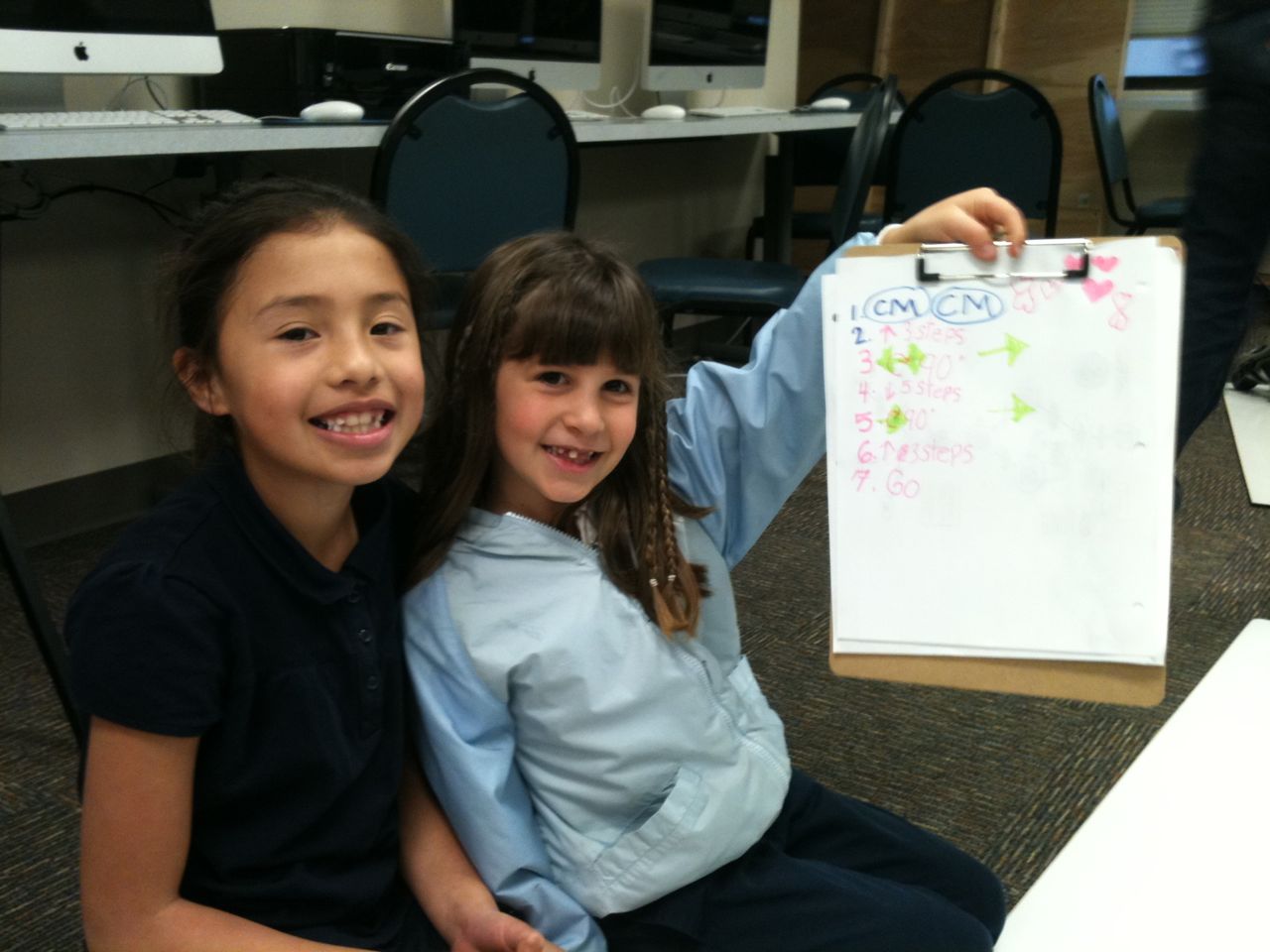
Successful Roamer or Racer Robot programs:

2nd Grade-Programming Robotics

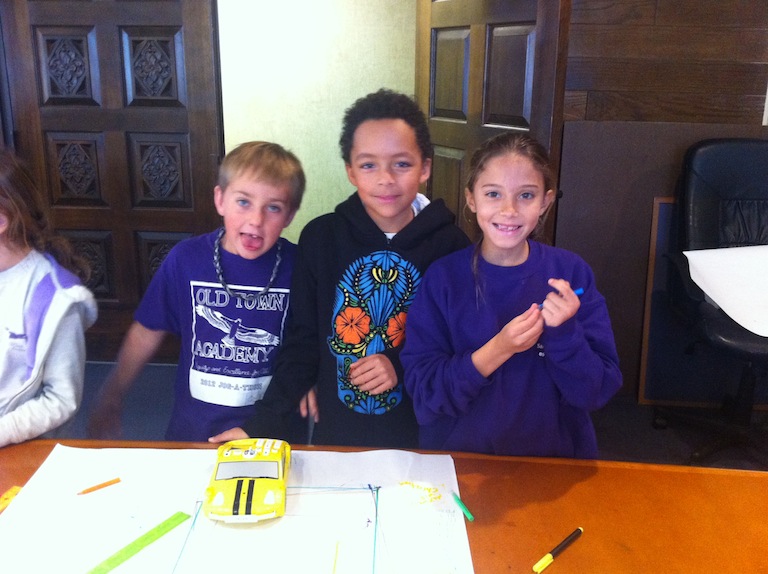
Photos & videos of your Group working with the Racer Robots:

3rd Robotics-Art Squares 2

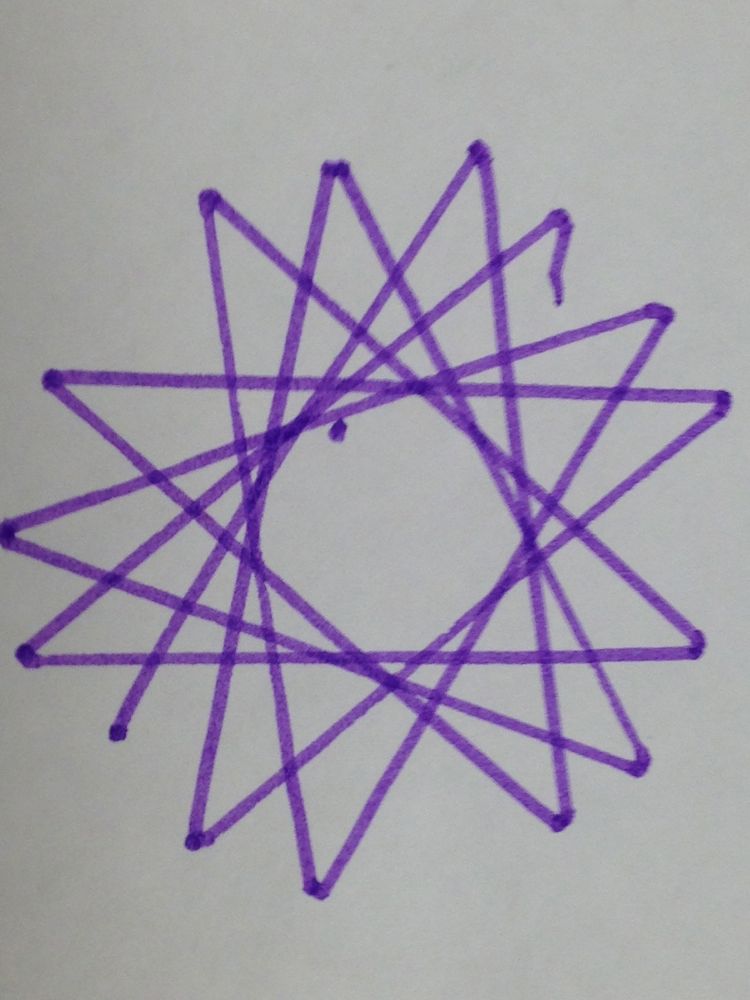
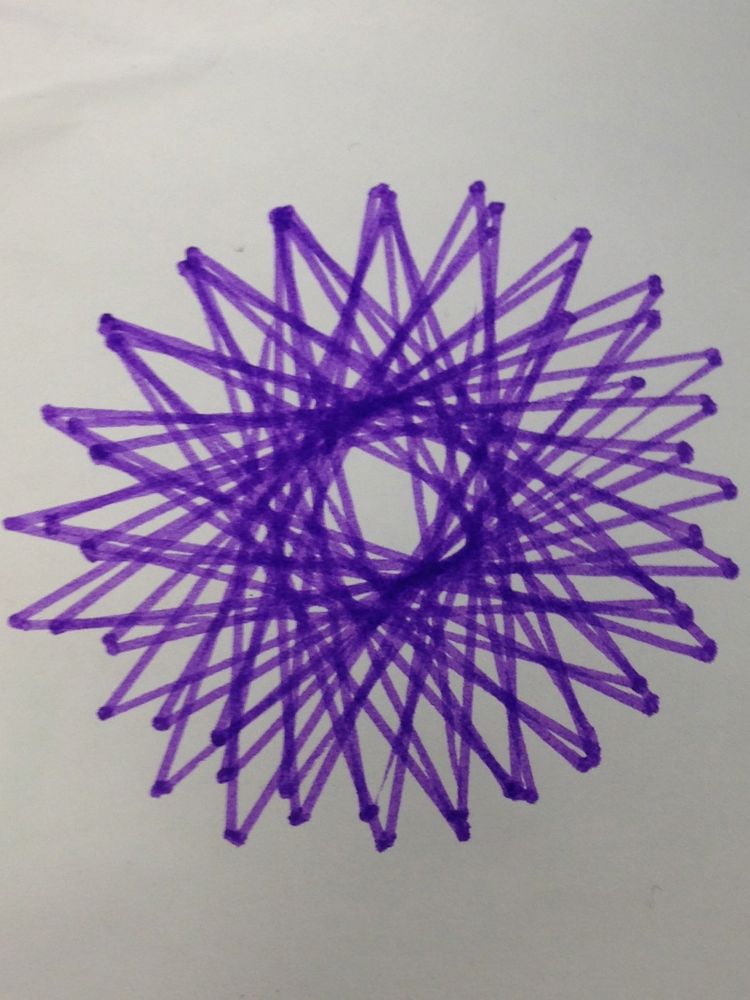
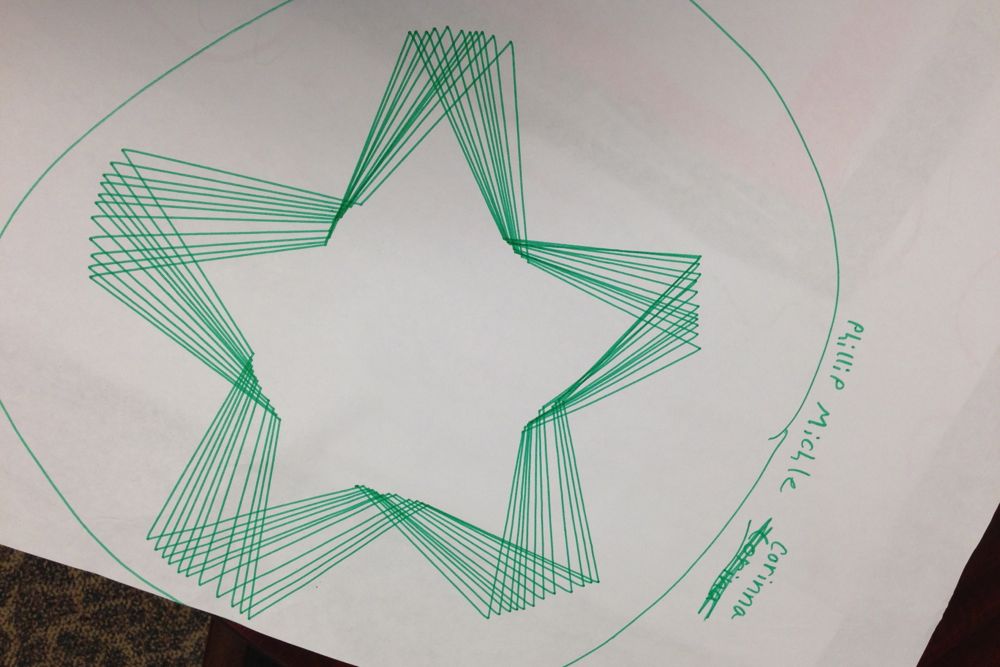
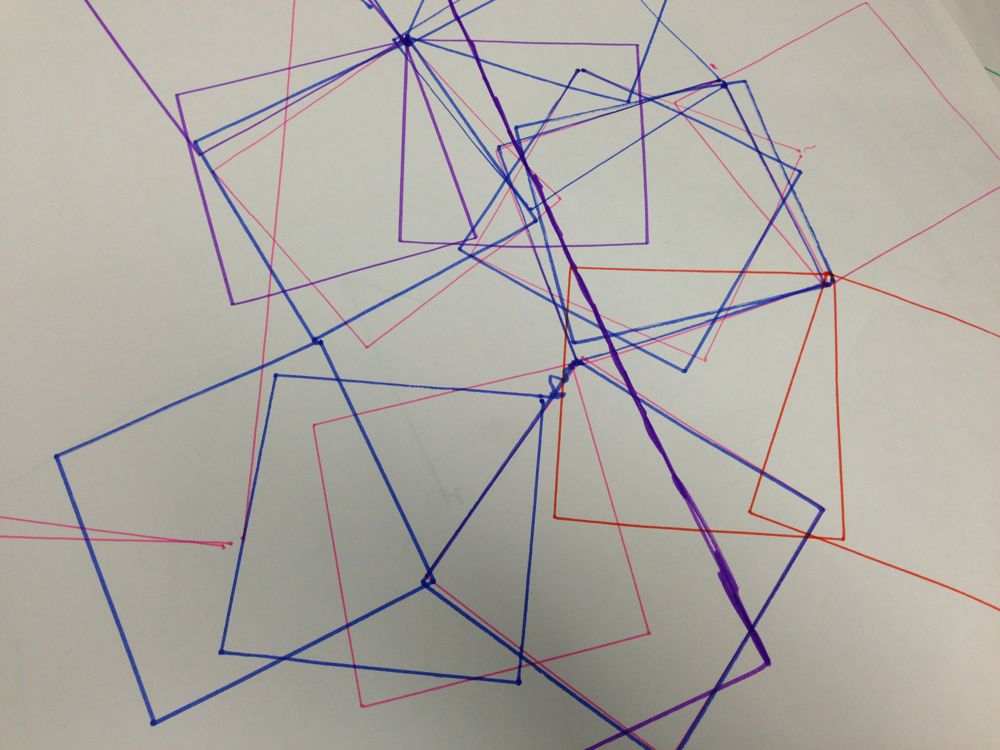
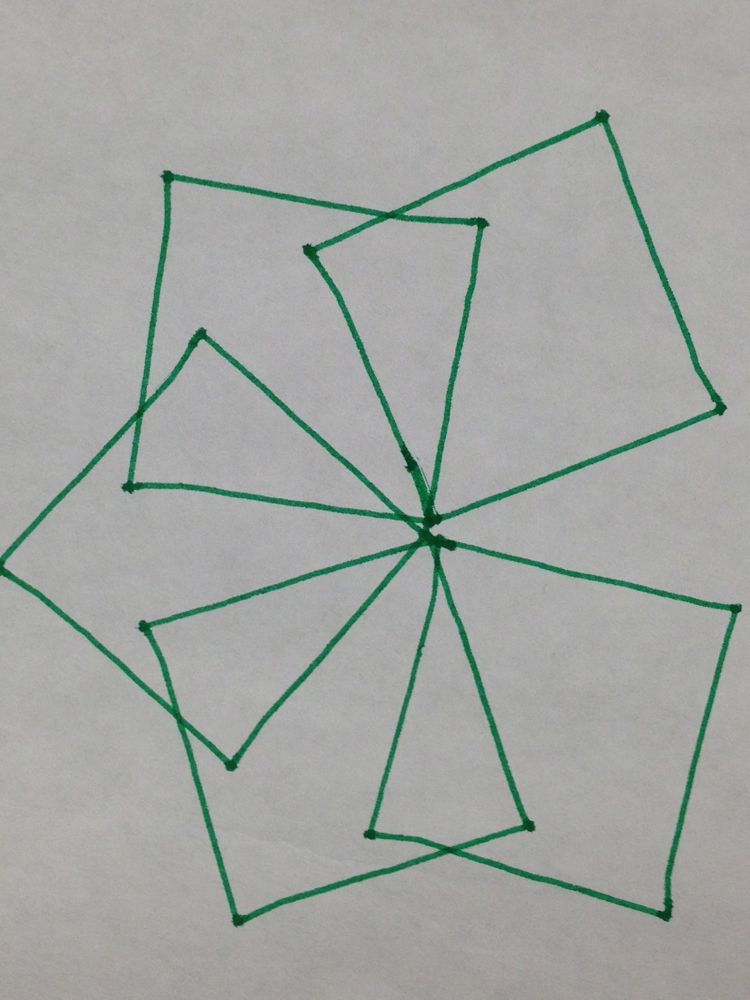
And samples of your robot-created art:

IMG_4253 IMG_4250 IMG_4259 IMG_4258 IMG_4255


* * * * *

Posted in Uncategorized

*Music* Category

Music posts go here...

GarageBand recordings, Performance Videos, Music History Timelines;
Song Lyrics, music, or arrangements;
Combined Science-Math-Music Projects (Coke Bottle/Wine Glass orchestra; Build your own guitar, etc.)

Posted in Uncategorized

*Science* Category

Science posts go here…

Lab Projects (photos, diagrams, slideshows, & videos of your completed Projects or Project Exams);
Theory Slideshows and Animated Simulations (Use Keynote to make animations!): Explanations of: How Human’s Hear, How Speaker’s Work, etc;
Science Posters (scan or create digitally);
Combined Science-History Projects (e.g., Inventions Timeline; e.g. History of The: Automobile, Cell Phone, etc.); Combined Science-Math Projects (SONAR math challenges, etc.).

Posted in Uncategorized

*Math* Category

Math posts go here…

Book of Real Problem Problems (Create your own illustrated math tutorial in Pages or Keynote or with Show Me);
Completed Math Progress Trackers (Saxon, Computer TargetScores, TAPS);

Combined Math-Language Arts Projects (Math Poems or Songs, etc.); Combined Math-Science Projects (SONAR Math Challenges, etc.)

Posted in Uncategorized

*Language Arts* Category

Language Arts posts go here…

Essays, Narratives, Poems, Speeches, Recitations (videos or recordings), Grammar Projects, Foreign Language Study, etc.
Combined Language Arts-Math Projects (Math poems or songs); Combined Language-Arts History Projects (Biographical Narrative, Poltical Speech, etc.)

Posted in Uncategorized

*Seminar* Category

Seminar posts go here….

5Ws Charts (Who wrote/painted/composed the reading/artwork/musical piece? What was the title/genre? Where & When was it created? Why was it created? Identify two crucial sentences, elements, or melodies);
Combined History-Seminar Projects (Timelines: Great Ideas, Great Authors; Essays, Mock-Trial Readings: Fact Patterns, MindMap of Foundation Documents: Declaration of Independence, Bill of Rights, etc.).

Posted in Uncategorized

*Art* Category

Studio-Art History posts go here…

Paintings, drawings, sculptures (scan or photograph);
Art history Slide shows & timelines; Combined Art-History Projects (Timeline linking art genres with political and religious events, etc.)
Digital art, animation (illustrator, keynote, etc.).

Posted in Uncategorized

*History* Category

History, Geography, and Civics/Mock Trial posts go here…

Real-World History (research and write your own history); Biographies;
History Timelines; Great Cities-Great Ideas: Maps, Models of Cities/Buildings (SketchUp), MindMaps (Inspiration) of Ideas That Last.
Combined History-Science Projects (Great Inventions Diagrams/Reports, Interviews: Effect of Technology on 3 Generations, History of San Diego, etc.),
Mock Trial Presentations (video or text): Opening Statement, Cross Examination Closing Statement, etc.

Posted in Uncategorized

*Outdoor Ed* Category

Nature Treks, Sports, Strength & Conditioning, Health & Nutrition posts go here….

Nature Photography (identify & classify by species and habitat), Camping Slideshows and Tutorials (how to choose a campsite, how to start a cooking fire, how to recognize poison oak, etc.); Maps & MindMaps of San Diego Eco-terrains.
Sports Videos: game film, tutorials (create a video or slideshow): “How to throw a spiral”; “How to bend it like Beckham,” “How to set a volleyball,” etc.)
Personal Records: Running Times, Push-Ups, Pull-Ups, etc.; Sports Skills Checklists: Football, Volleyball, Soccer, Basketball, etc.
Favorite Recipes, Posters (Food Pyramids, Drug Awareness, etc.)

Posted in Uncategorized

Intro and Guidelines for Student Web Logs (Blogs)

Dear OTA Student:
Your personal Learning Journal is designed to help you create a record of your quality work (and your growth over a year) in the 8 OTA Core Learning Strands— Music, Science, Math, Seminar, English, Art, History, & Outdoor Ed.

The Categories available in the sidebar are set to match those 8 Strands and you should mark every post with one or more of those categories.

Why Create An Online Learning Journal?

  • Blogs are very powerful content-management systems: which means they allow you to create a beautiful, multimedia record of a year’s worth of work and retrieve it instantly when you need it (by just clicking on the category of posts you want to see or by using the SEARCH Box to find all posts with the word “music” or “football” etc.)— but only if you use the Categories!
  • Publishing your work on your Web Log ( = “Blog“) will often be the last step in earning a Passing Grade on a Project, or extra credit.
  • When you are ready to apply to high school (choice programs like IB or an art magnet, or a private school) your Blog will be a Portfolio of all your best work that might just help you get in.
  • You work hard to earn a passing grade on your OTA Projects, why throw them away? Now you can keep them, share them, go back and improve them as you learn more. If the work’s worth doing it’s worth keeping.

To Create Your Learning Journal You Will Have to Learn to:

  • Scan, convert, and upload Text and Images (working with .doc, .pages, .pdf, .txt, .jpb, .png, inspiration, etc. files). Note: before you can upload word or pages documents you must convert them to pdfs or images.
  • Create Slideshows and manage image databases.
  • Edit and convert movies and music or sound files (working with .mov, .wmv, .qt, .mp3 etc. files), and
  • Use the WordPress dashboard (content management system) to create, edit, categorize, and publish posts)

Things You Can Change On Your OTA Blog:

  • The Header–from pre-selected photos or you can customize it with your own photography or artwork.
  • The Picture of the Week–you add a new picture every week… from your own or classmate or teacher’s photos or scans or artwork.
  • The Background image–from preselected photos or your own photography or artwork, or a 200 x 1000 pixel collage of other artwork (See “fair use” below)

Things You Can’t Do:

  • Upload copyrighted images from the web (use your own photographs or artwork–or find public domain images)
  • Upload violent or obscene photos, images, or text.
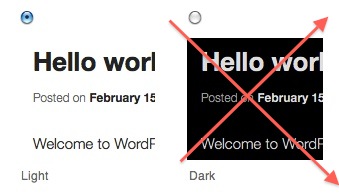
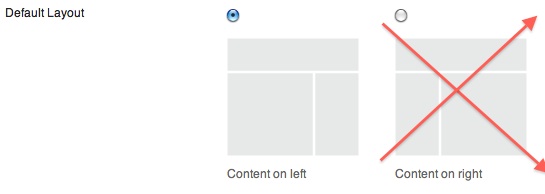
  • Change the Theme Options. Why not? “Dark” makes your blog illegible; Content right ruins the left border of text, making it jagged and difficult to read; “No Sidebar” removes Categories and makes it impossible to find your content!

Does every post on your Blog have to be 100% your original work?

Continue reading →

Posted in Uncategorized