
Launching WWW.RAZ-KIDS.COM at Home
Students have received training at school and now ready to embark on their interactive online reading projects at home. This can be used as YOUR DAILY 25-30 MINUTES of reading. ADULTS you may want to sit with your child if your child is reading below a Q or score of 3 just to help them make successful progress.
1. All you need is a computer or iPad (maybe smartphone) and internet access. For iPads and iPhones and smartphones, you need to download the FREE APP. First go to your internet browser and follow the instructions to log in raz-kids and try to access your child’s reading projects, it will lead you to the download options. Computer labs are open after school for your use if you need. If you are using a computer, you do not need to download the app.
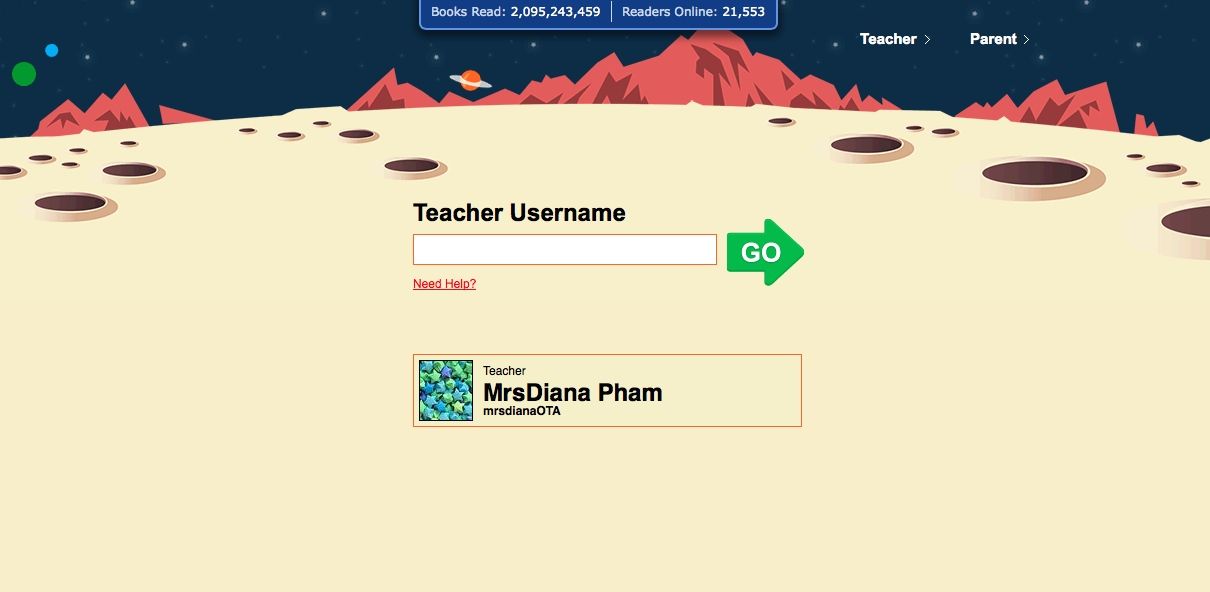
2. Go onto: www.raz-kids.com
3. Type in Teacher Username: mrsdianaOTA
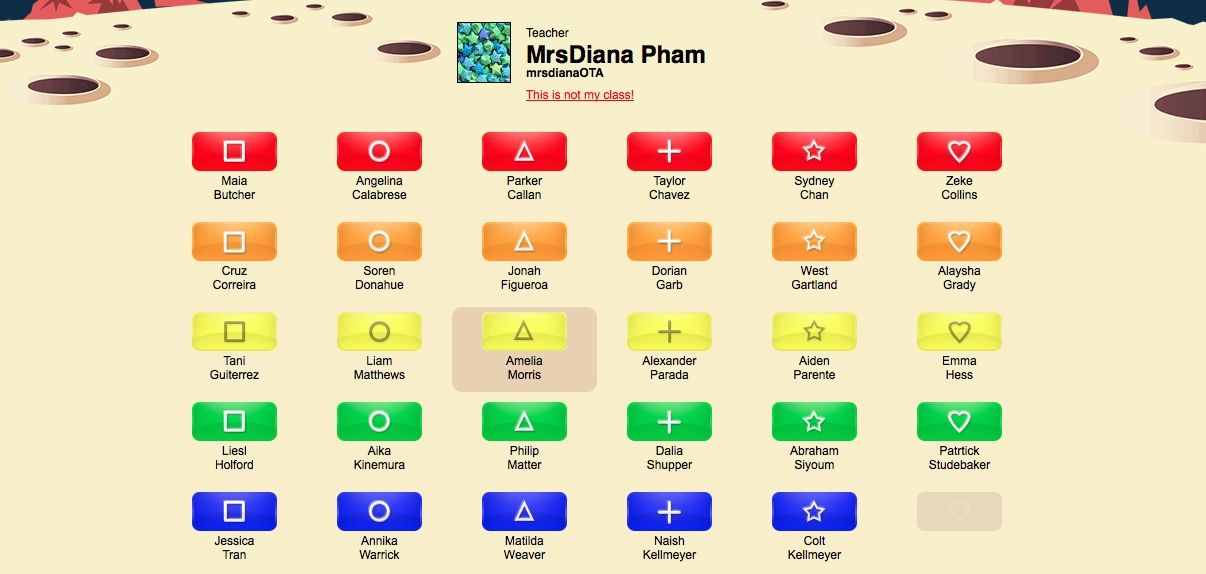
4. Then Look for your name and symbol. Click on your symbol password.
5. One your first day to log on, click on the “parent” button. PARENTS sign up with your email so you can receive your child’s progress regularly and you can help monitor your child’s reading progress.
6. Once that part is completed, S3G, you have been assigned a LETTER READING LEVEL. For some I have purpose assigned a level higher to make progress and some it may be a level lower, but we can adjust these as we go, but the levels assigned should be a good place to begin.
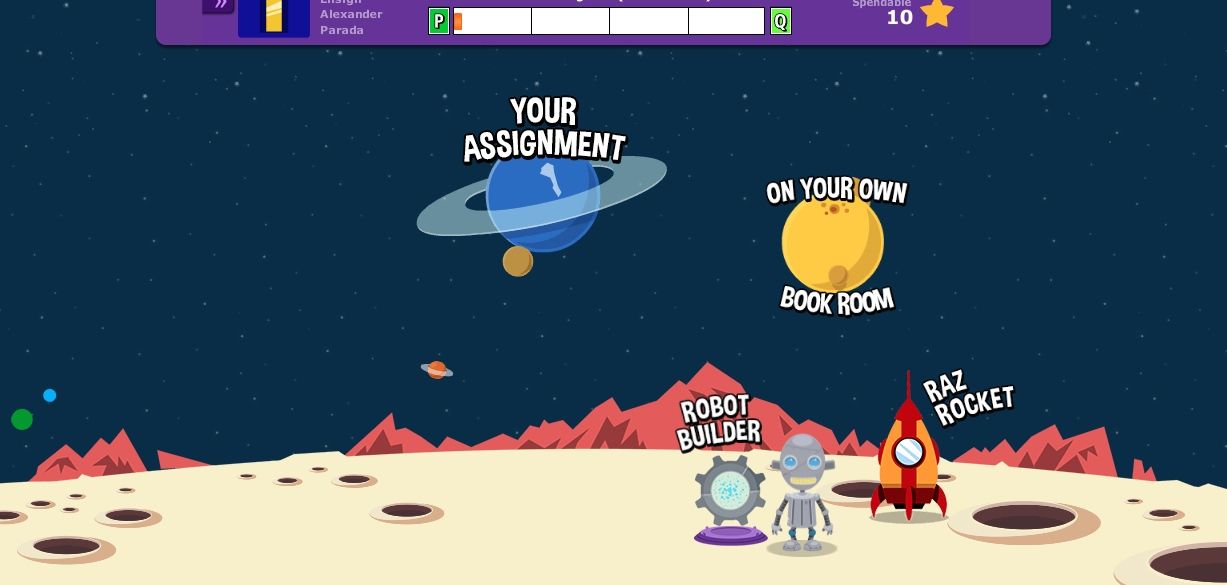
7. Once you click on your symbol, you will be taken to a place with a variety of books you can choose to read in that reading level.
8. Choose the first book to read and go in order. Click on the ear to listen to the book first.
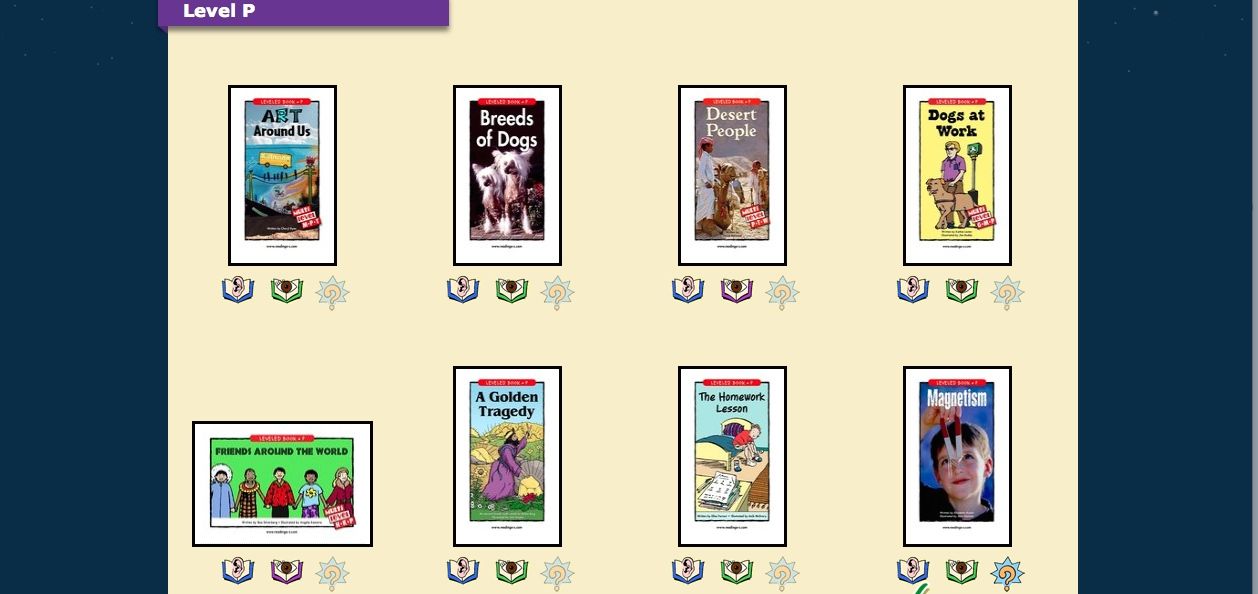
9. Then click on the eye read independently. (Not the option where the computer reads to you, you can choose that after you read it yourself first). If you don’t know how to pronounce a word, you can click on the word if its highlighted and it will pronounce it for you.
10. Then take the comprehension quiz at the end of reading. Remember you needed to have read the book carefully to pass the quiz on the 1st or 2nd try. You need a 100% to pass. If you are taking your quiz more then 3 times, it means you are not comprehending what you read. So parents when I add you to your child’s accounts, please monitor your child’s progress alongside.
11. Make sure you finish the assignment so you don’t get an incomplete if you have to sign off the computer in the middle of your assignment. I will be monitoring your progress. You will need to listen, read, and pass each quiz with an 100%. When you do all 3 to all 10 of the books in your level, you will be passed onto the next level of reading.
11. For the first week or so, just use Raz-kids when you want to practice at home and we will do some in class. In the future I will assign how many books to as your daily 25-30 minutes of reading a day. The more progress you will make so you can move up onto the next level LETTERS. Level Q is the start of grade 3, however, I put a level lower for each child to make sure they are passing their quizzes efficiently. If the level is easy, they should quickly pass through the next level. Your child’s symbols and colors are random.
12. Read with expression, pause at periods, and have fun. You can earn STARS in this program where you can decorate your own rocket & space playhouse-its so awesome! The space-room and rocket-building is only available on a computer, not iPad or iPhone.
13. When I had you your trackers, be sure to be tracking what tasks you complete on your RAZ-KIDS Project Tree just like you do for ST MATH in your TRACKER BINDERS at school.