Test Survey
Reply
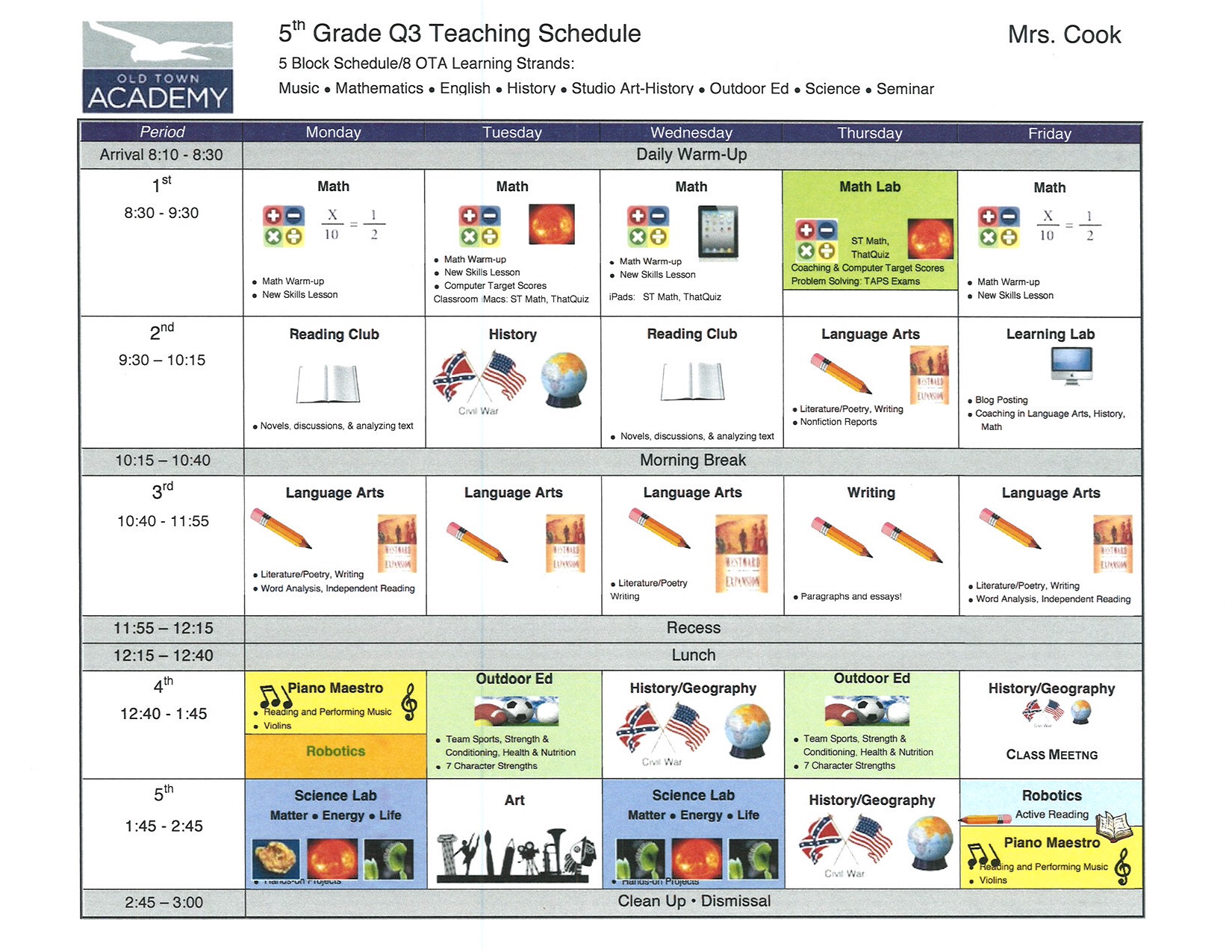
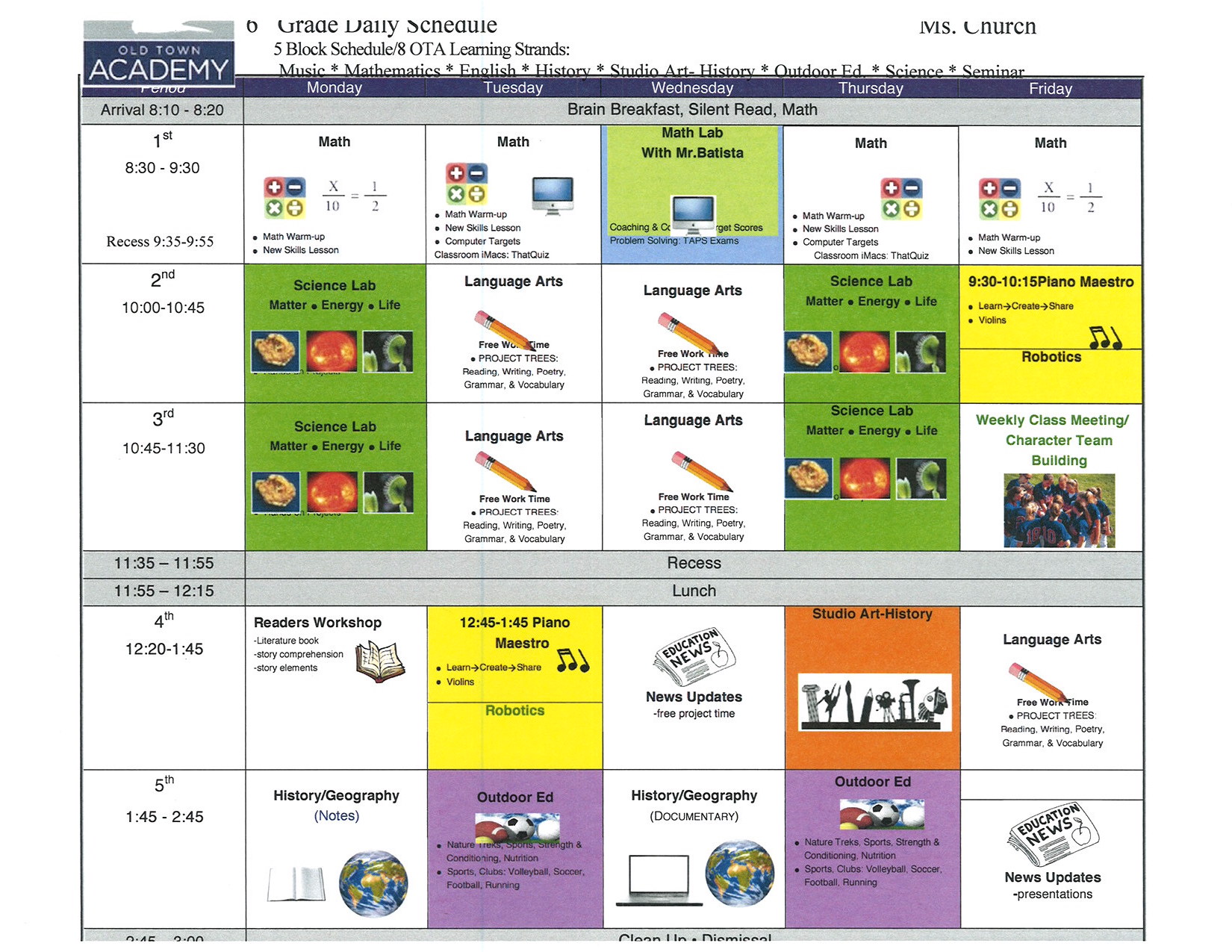
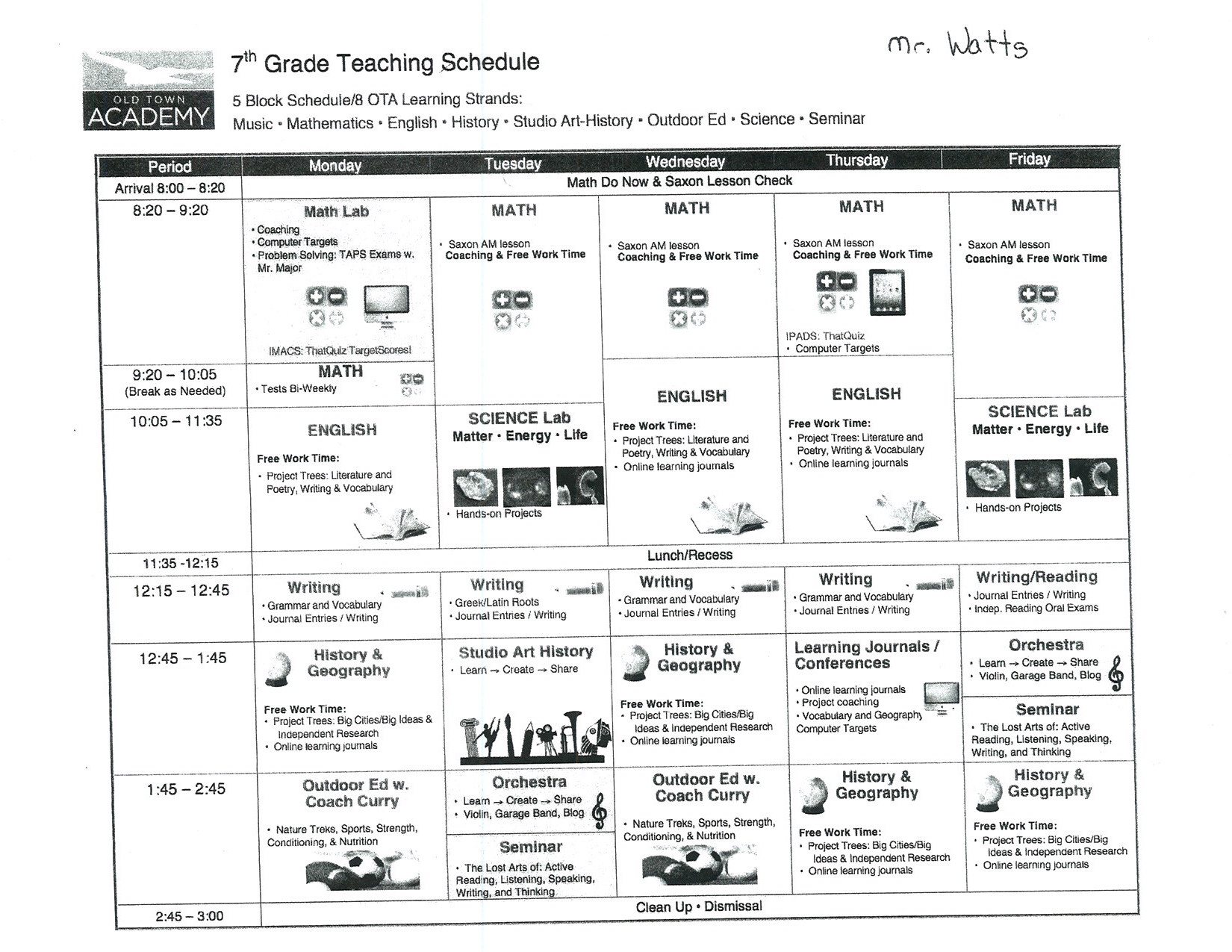
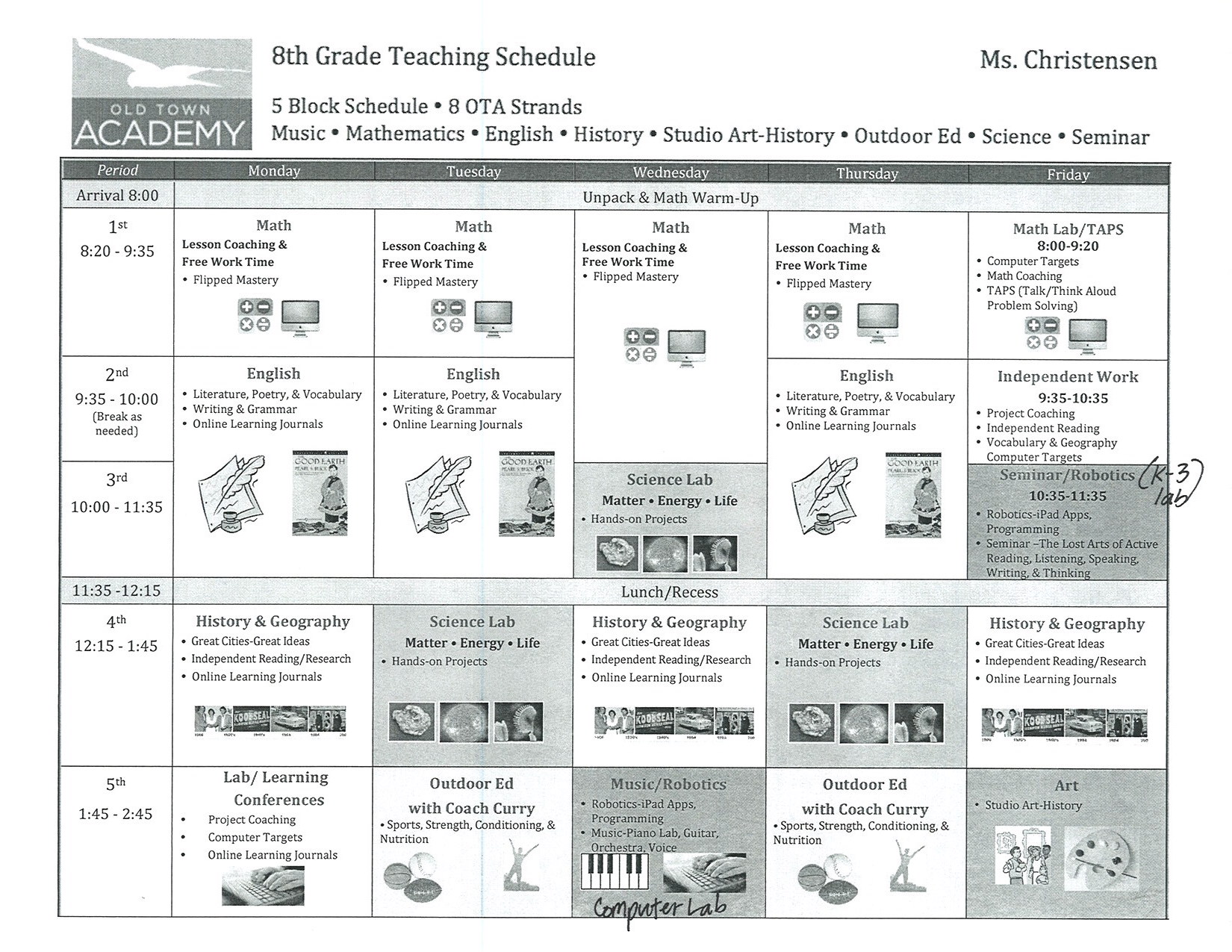
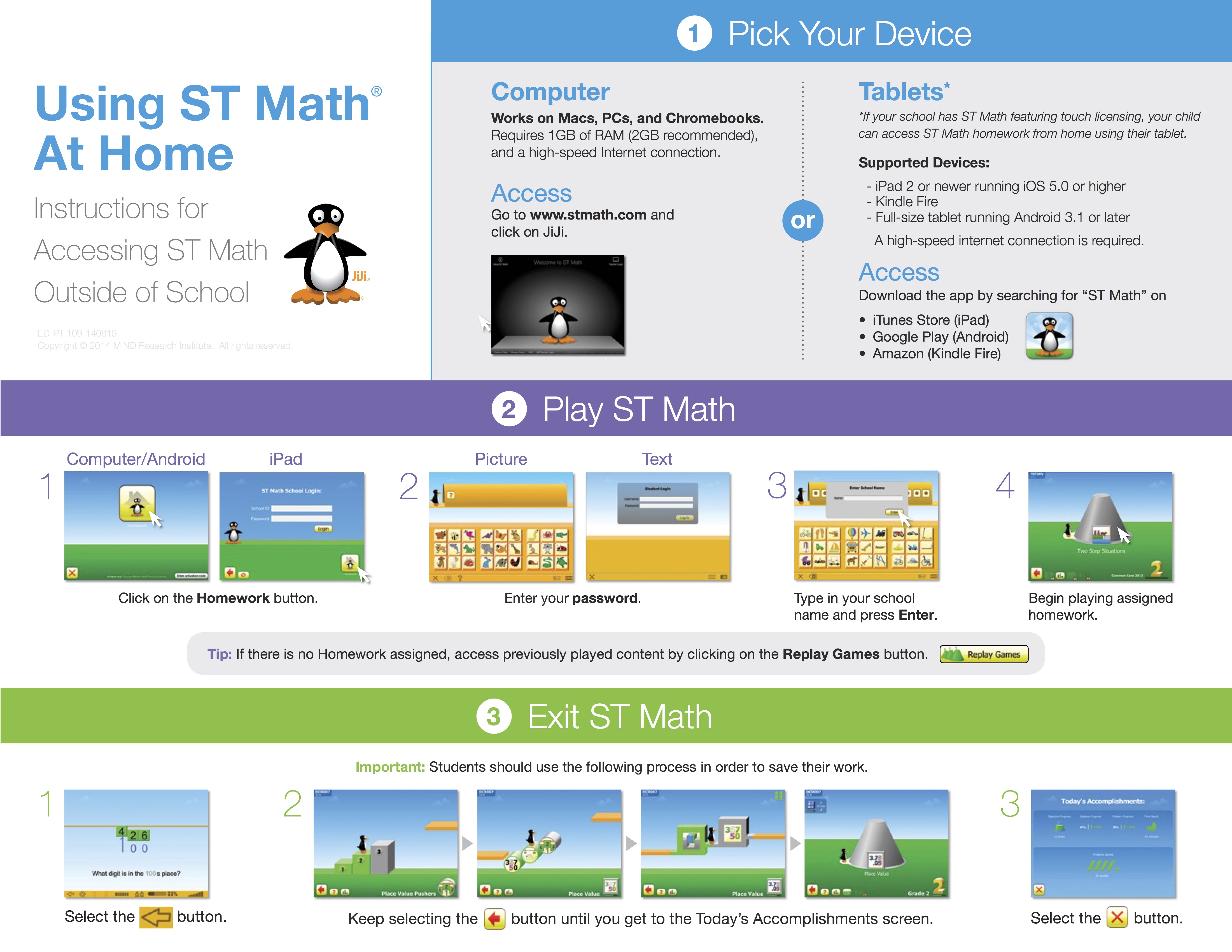
To access ST Math at home students need a computer with internet access.
Tip: If there is no Homework assigned, access previously played content by clicking on the green cones.
Inspiration Recent Update

Upgrade Information
New in Inspiration 9.2 — Support for Mac OS 10.9 (Mavericks) and import/export of files between Inspiration 9.2 and Inspiration Maps 1.4 for iPad!
CLICK HERE TO DOWNLOAD THE UPDATE
Please email Thiago@otacharter.org to get serial number
Old Town Academy now uses office 365 as our email service provider.
To access your school’s email from a web browser go to
2- Type your school email and temporary password
3- click on outlook tab located on top of the screen.
If you don’t have a temporary password please email thiago@otacharter.org from an alternate email address and request one from me.
To setup your email on your Mac | iPhone | iPad watch the videos below
Mac
iPad | iPhone