Problem with Safari
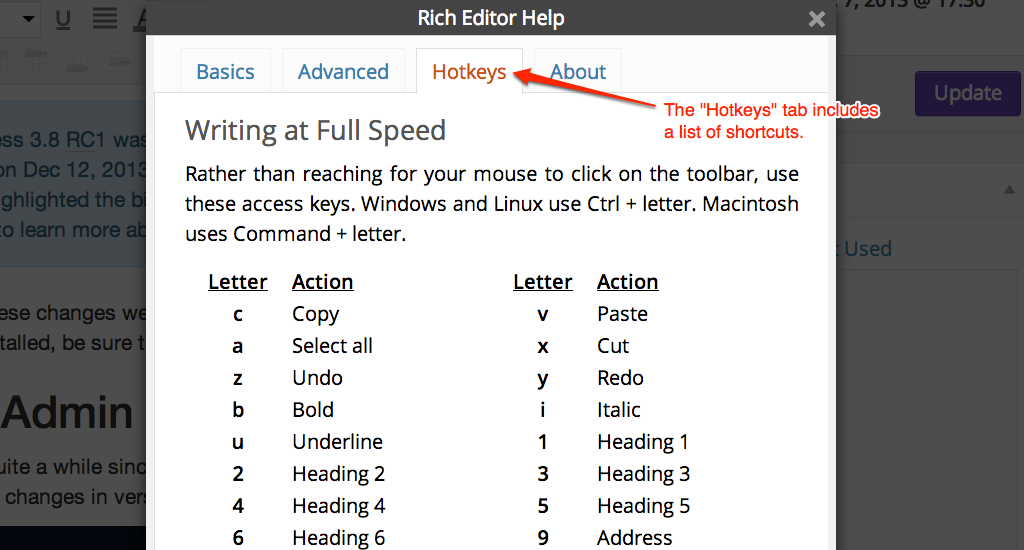
Unfortunately, Safari has a different behavior for cmd + 1, cmd + 2, etc. They open a website from your Favorites Bar. There is no default way to turn off this functionality, and even deleting all your favorites doesn’t work. Open source to the rescue. There’s a plugin you can add to Safari to change the default behavior to switching tabs. I haven’t tested to see if this will allow the Headings shortcuts to work or not, so if you use Safari & are willing to give this a shot, please let us know.
If you know of any WordPress keyboard shortcuts that we left out, please let us know in the comments.
via List of WordPress Keyboard Shortcuts for Writing – WordPress Hotkeys.