ST Math – Accessing Homework

To access ST Math at home students need a computer with internet access.

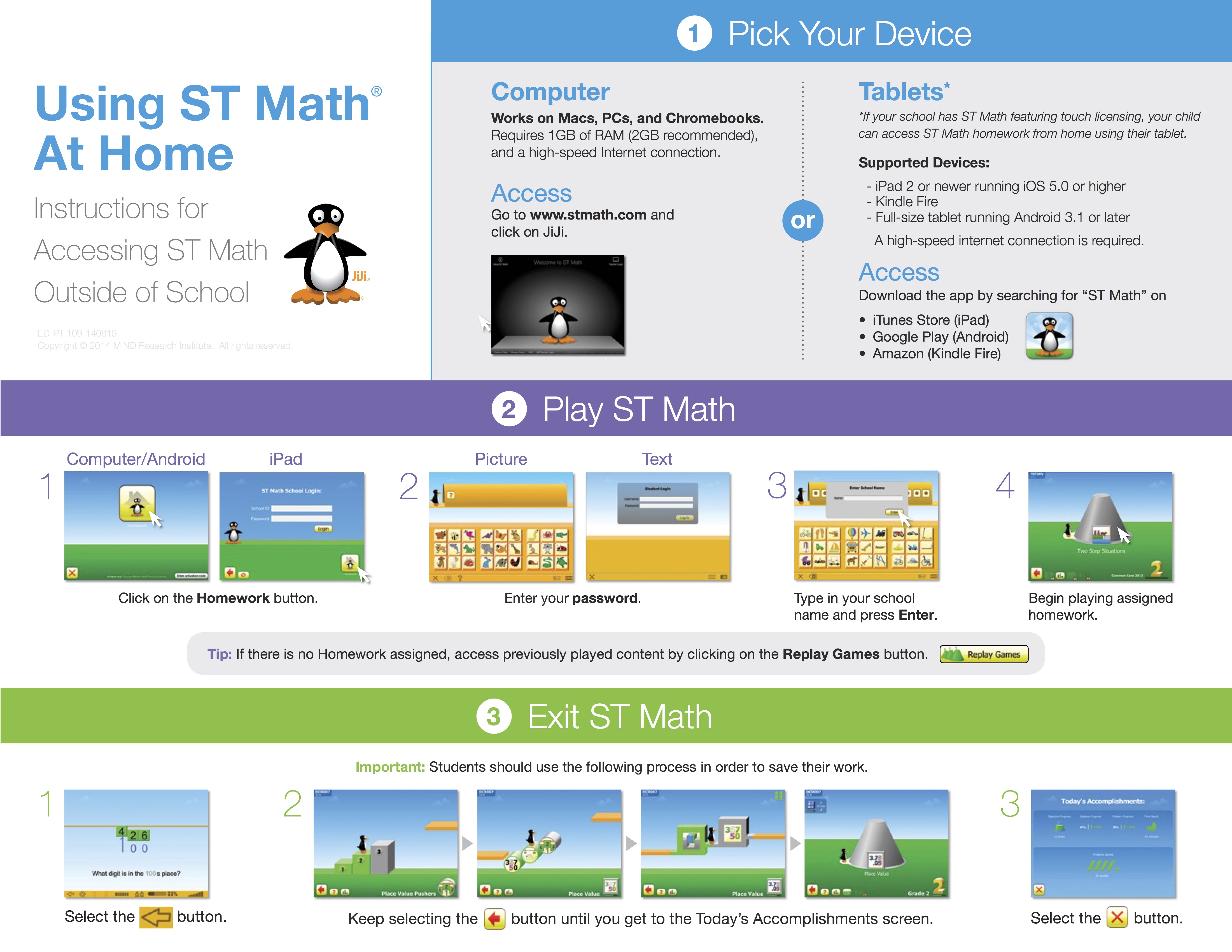
  1. Go to stmath.com. Click on JiJi.
  2. Click on the Homework button.
  3. Enter your ST Math password.
  4. Enter your school name and press Enter.
  5. Begin playing assigned homework or click the green objectives button at the bottom to play objectives that have been completed.

Tip: If there is no Homework assigned, access previously played content by clicking on the green cones.

stmath

Lion’s QuickTime Player: Screen Recording Improvements and New Sharing Features

Lion’s QuickTime Player: Screen Recording Improvements and New Sharing Features.

Lion’s QuickTime Player: Screen Recording Improvements and New Sharing Features

by  at 

One of the built-in apps that received several interesting improvements in OS X Lion is QuickTime Player, Apple’s default video and music player based on the QuickTime framework that’s capable of handling a variety of audio, video, and picture codecs. Seemingly unchanged from version 10 of QuickTime Player that shipped with Mac OS X Snow Leopard, the new QuickTime Player 10.1 contains a number of changes under the hood, new sharing features, as well as screen recording enhancements built specifically for OS X Lion. Continue reading →

Quicktime’s Built-in Screen Recorder: How to Make a How to Video for Mac

Record your screen

You can use QuickTime Player to make a video recording of your screen or just a region of your screen and save it as a movie file for later viewing. This can be helpful for showing others how to perform a task, workflow, or for training.

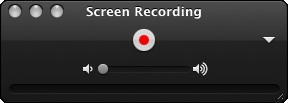
Choose File > New Screen Recording. To start recording what’s occurring on your Mac’s screen, click the round record button.

You can record some of all of the screen:

  • If you want to record the entire screen, click anywhere on the screen to start recording.
  • To record just a smaller portion of the of the screen, drag your pointer to select the region of the screen you want to record, and then click the Start Recording button within the region.

To stop recording, click the stop button in the menu bar, or press the Command-Control-Escape key combination (all at once) on the keyboard.
""

Clicking the triangle icon gives you additional options, such as letting you Continue reading →